KringPing - version 2.0.0 | Keep an eye on your sites to make sure they're up
 Micke Kring
·
·
2 min read
Micke Kring
·
·
2 min read
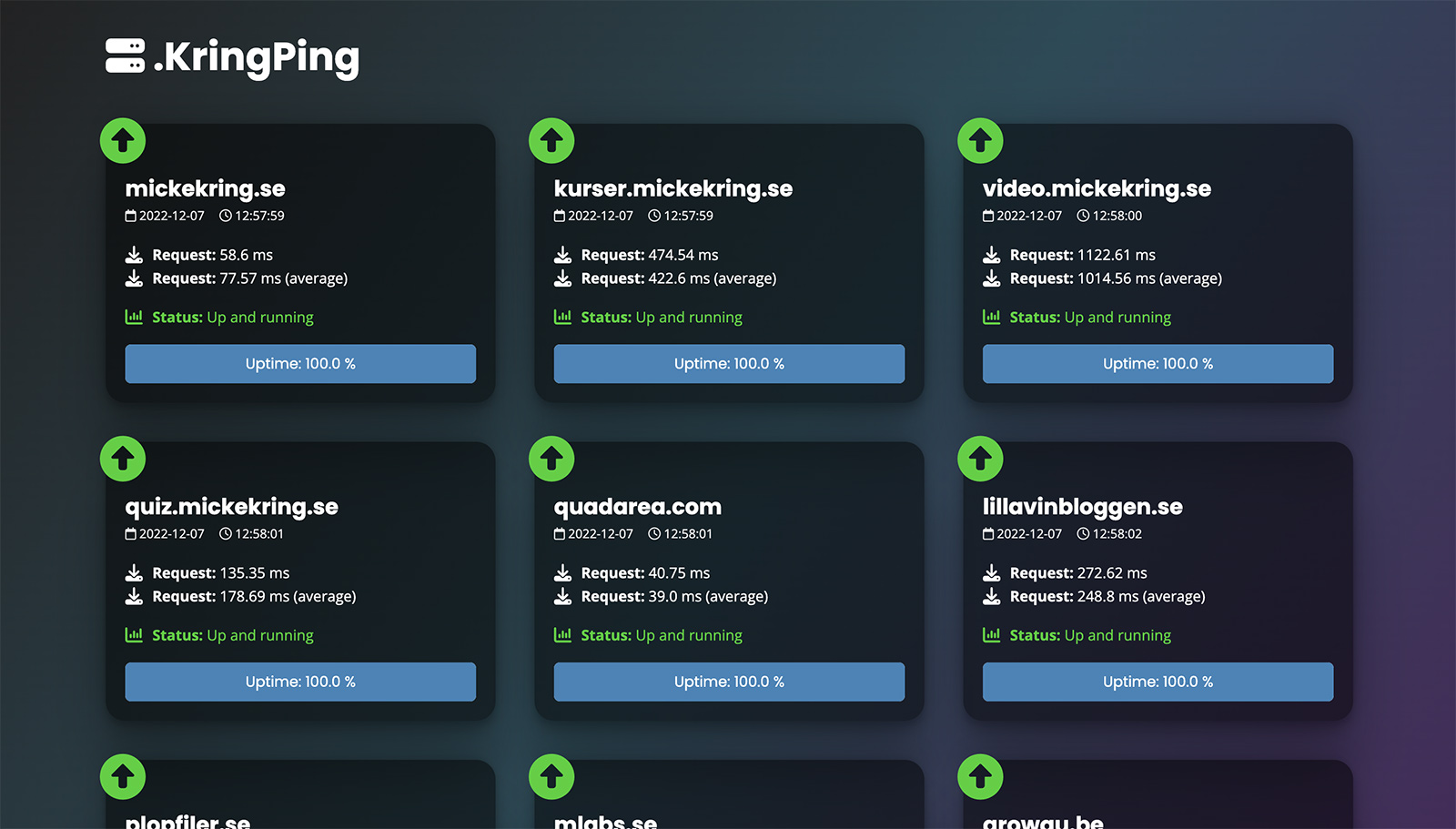
Do you, like me, have a bunch of sites you’d like to keep an eye on to see whether they’re up and running or have stopped responding? Maybe you want to get a notification before the world starts contacting you? Of course there are a number of really good services for that, but they’re usually associated with a small fee. If you just want a simpler service that doesn’t cost anything, why not code something yourself?
That’s how I began my post from December 2019, when I put together the first version of this script. Now it’s time for version 2.0.0, so I rewrote it from scratch. Partly as part of the documentation I’m handing over to my successor at Årstaskolan, but also to be able to develop more features later on.
In the video above you can see what it can look like on the frontend when a site goes down.
How does this work?
In short, this happens when you run the script.
- Check whether the computer running the script has internet access, so the script doesn’t assume the sites are down if the internet itself is down
- Fetching the site or sites you’ve specified, and logging response speed and similar metrics
- If a site is down it’s logged and an email is sent to you with the likely error
- When a site is back online again, the downtime is logged
It’s been running stably for the past 3 years and has helped me a number of times. The script runs on my little Raspberry Pi at home.
Want to try it yourself?
The project with instructions can be found at github.com/mickekring/KringPing The script is written in Python 3.
Where can I see this live?
At mickekring.se/stats/ping you can see the status of my websites.
Previous versions
If you want to read a bit more about how this started you can read more at