Set up your own ChatGPT so your colleagues can test it without having to create accounts
 Micke Kring
·
·
2 min read
Micke Kring
·
·
2 min read
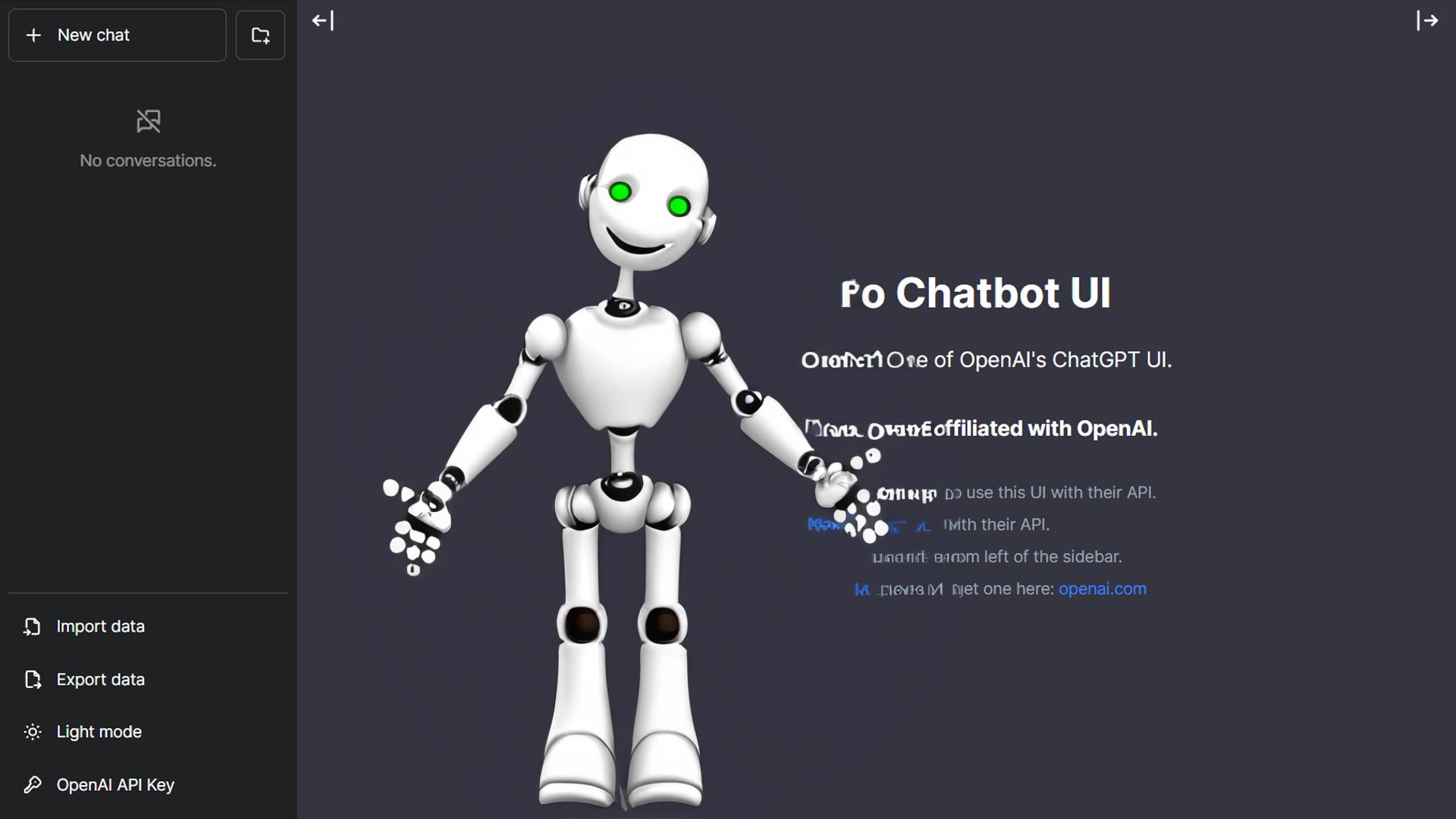
Over the past few months I’ve been running quite a few lectures and workshops on generative AI. One problem that often comes up concerns testing the various services, such as ChatGPT. In many organizations it’s forbidden to create accounts on these web services using the organization’s email address. Of course we also can’t require people to create accounts with their private addresses (and the phone number required by OpenAI) for work.
But, I noticed during Skolverket’s webinar on Wednesday that they had set up a test environment which participants were given an open link to. So I looked into it a bit and thought I’d share how you can set up a similar environment yourself. It doesn’t cost much and can be done in about 5–10 minutes. Briefly, we’ll set up Chatbot UI, which they describe themselves as “Chatbot UI is an advanced chatbot kit for OpenAI’s chat models that aims to emulate ChatGPT’s interface and functionality.” To that we’ll hook up our API key from OpenAI so Chatbot UI can talk to GPT-3 and/or GPT-4.
What we need
- API key from OpenAI - created at platform.openai.com To use GPT-4 you must have applied for it, as access hasn’t been rolled out to everyone yet.
- GitHub - account created at github.com and needed because Chatbot UI needs to be cloned and set up on your account.
- Vercel - account created at vercel.com and this is where we host our ChatGPT.
But what about GDPR and similar regulations?
It still applies. We’re using OpenAI’s services so stay away from personal data, confidential information, and trade secrets. :) This gives you an opportunity to test and explore without having to register accounts.
Let’s go!
Questions?
As usual, get in touch via any channel, and I’ll try to help you as best I can.