Video setup for running online lectures 2023
 Micke Kring
·
·
2 min read
Micke Kring
·
·
2 min read
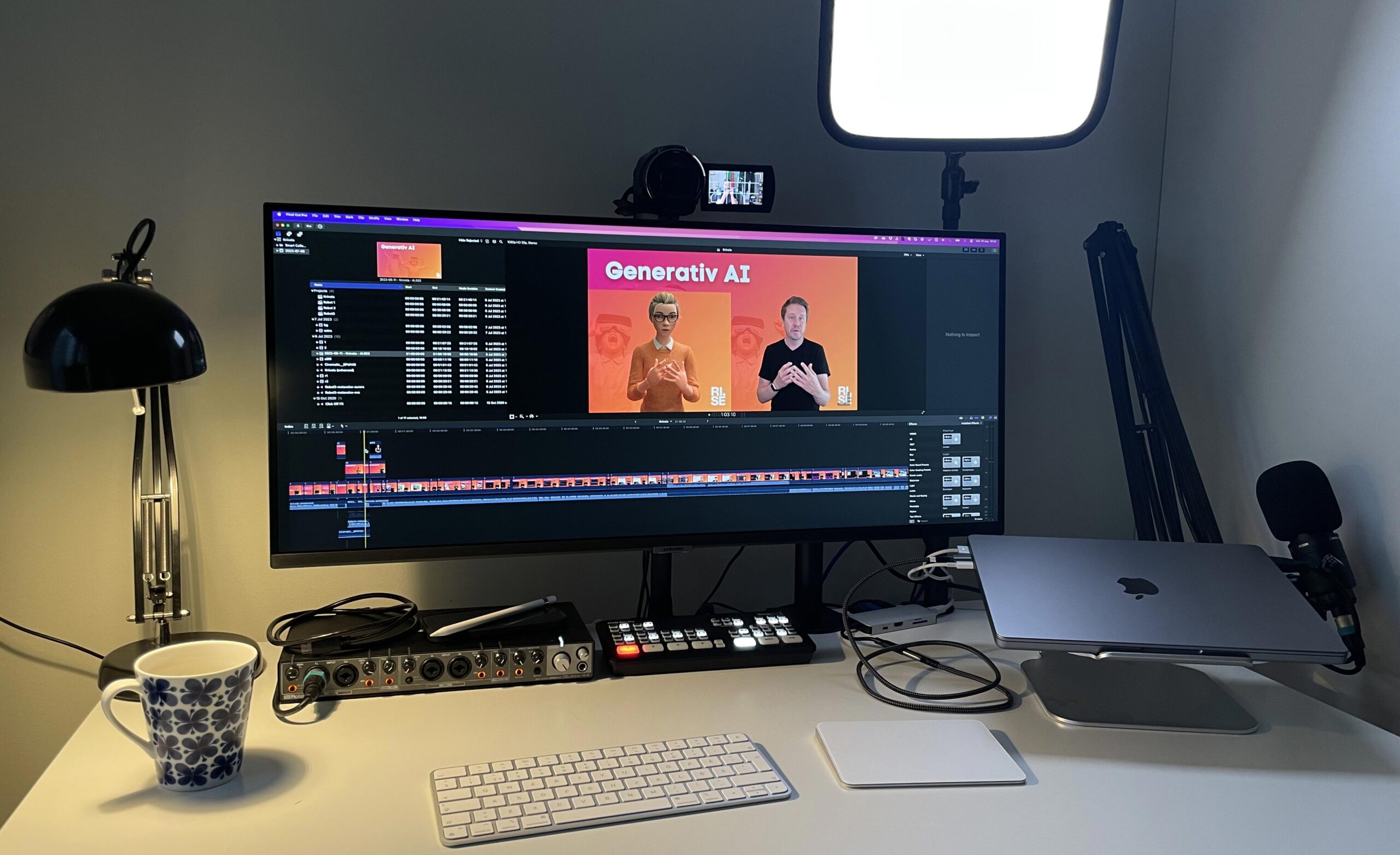
I’ve had a number of questions about the kind of setup I use when I run online lectures, so here’s a short film about it, anno 2023. I aim to be as lo-tech as possible, which lets me focus on the lecture itself rather than fiddling with screen sharing and the like. My Keynote is my background and I use a green screen.
In the film below I show my workflow which starts from a camera and a Keynote as the background running on an external device. The camera and the device with the Keynote go via HDMI into a video mixer, an ATEM Mini. The video mixer is connected to the broadcast computer and appears as a regular webcam.
Equipment
Camera - Sony FDR-AX53
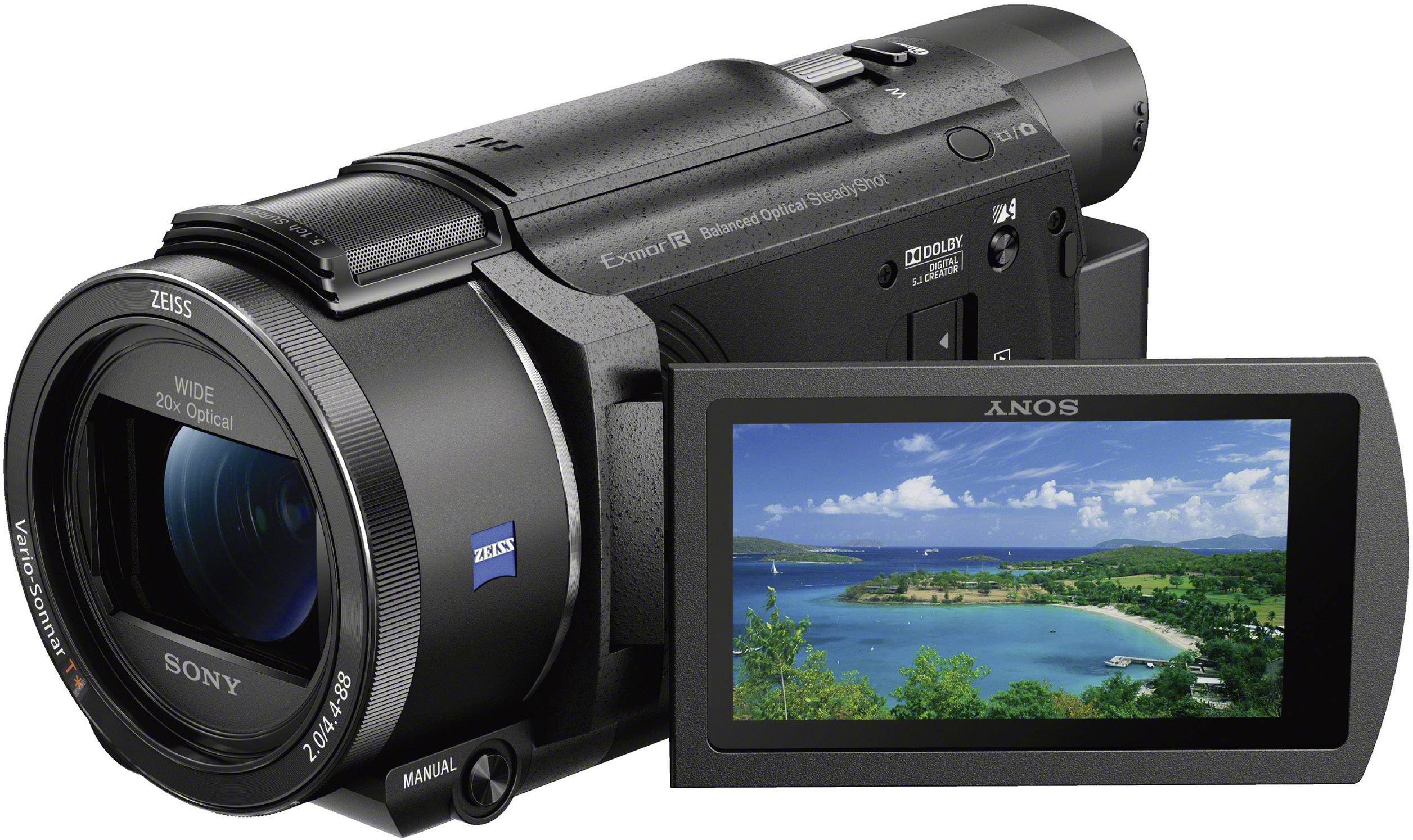 A classic camcorder with a few years on it. Records up to 4K. A real workhorse for both streaming and regular filming. www.sony.se/electronics/handycam-videokameror/fdr-ax53
Video mixer - ATEM Mini Pro
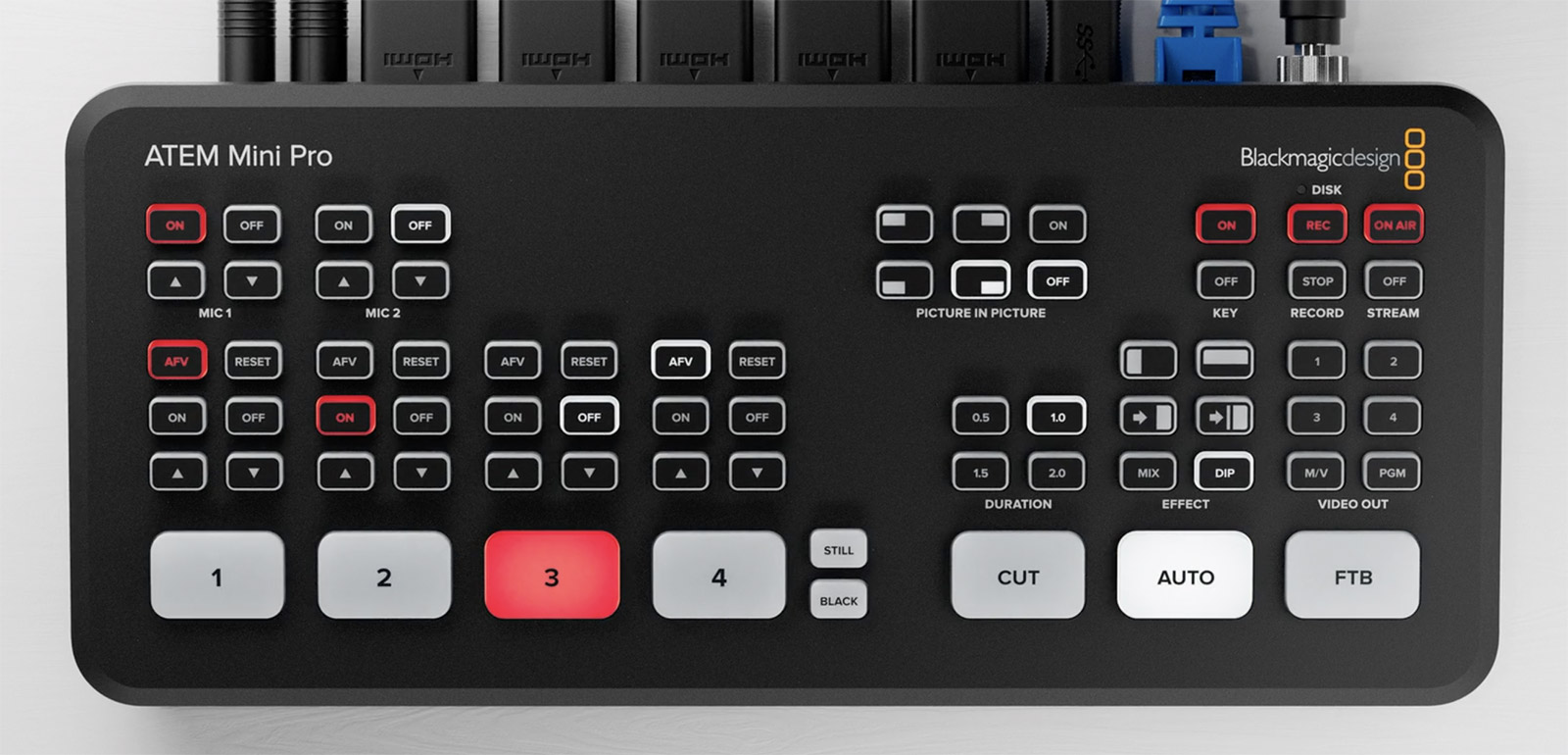 Here I connect all sorts of things via HDMI and mix the sources. www.blackmagicdesign.com/se/products/atemmini
Lighting - Elgato Key Light
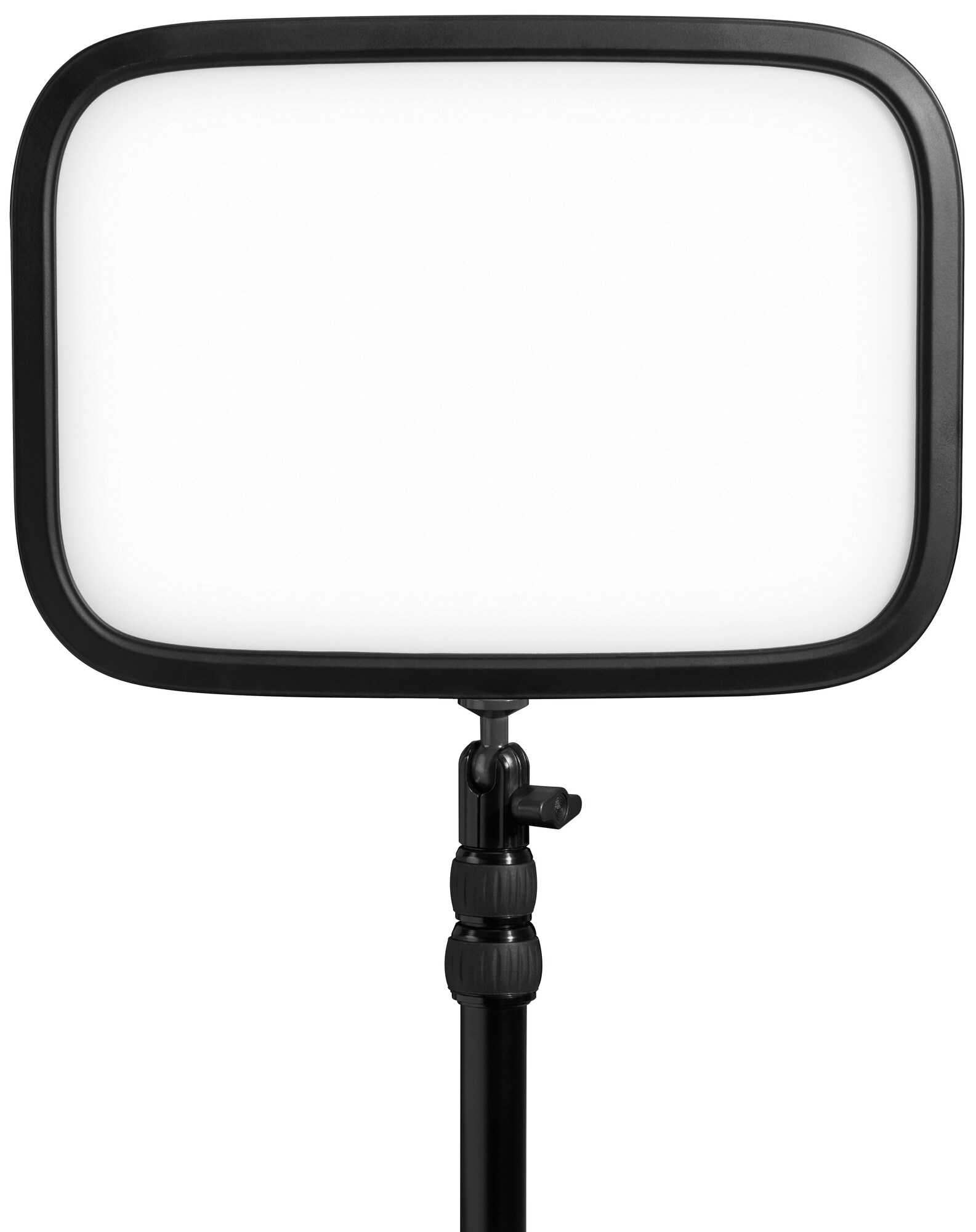 Good lighting that’s controlled via an app either from your phone or computer. www.elgato.com/us/sv/p/key-light
Audio interface - Roland Rubix44
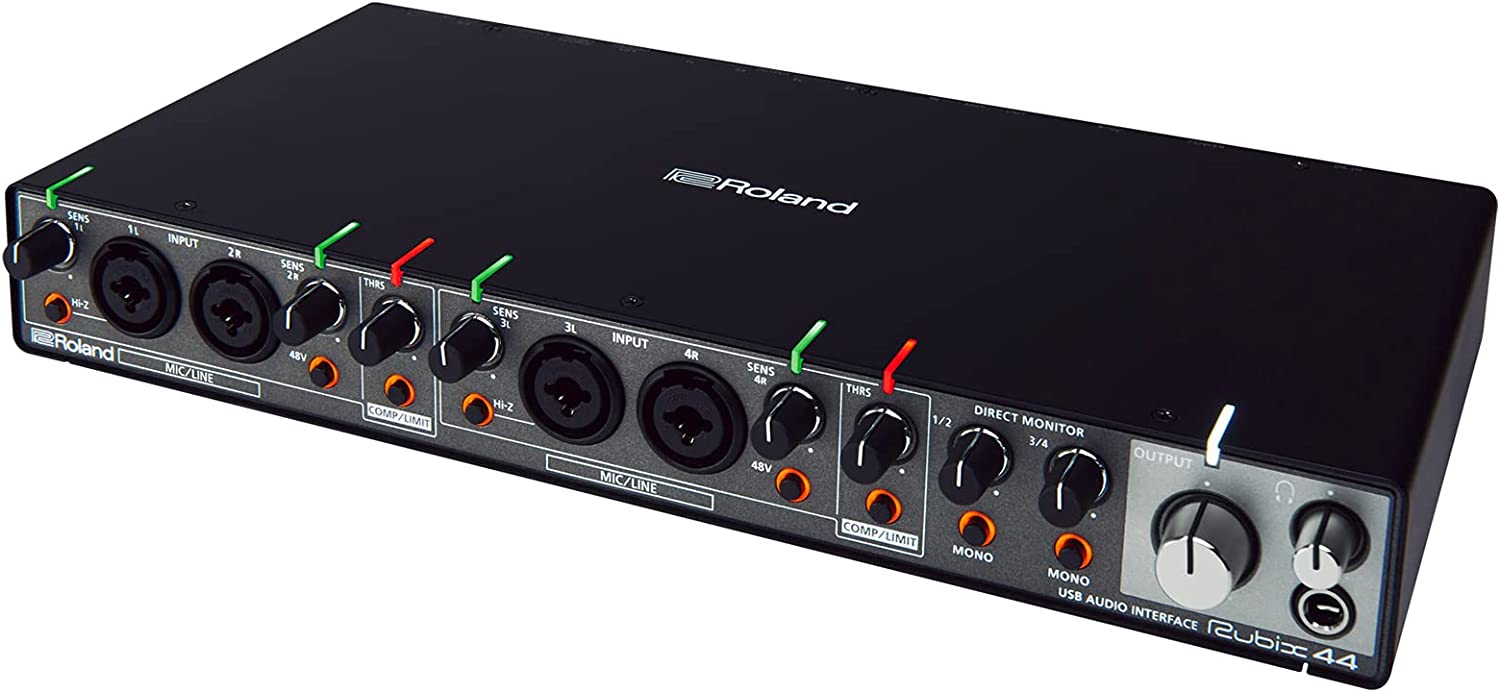 I bought this audio interface a number of years ago because I wanted the ability to record 4 separate microphones simultaneously for podcasts and similar. www.roland.com/us/products/rubix44/
Microphone - Audio-Technica AT2020
A perfectly fine large-diaphragm microphone for the price.  www.audio-technica.com/en-eu/at2020
Green Screen - Elgato Green Screen
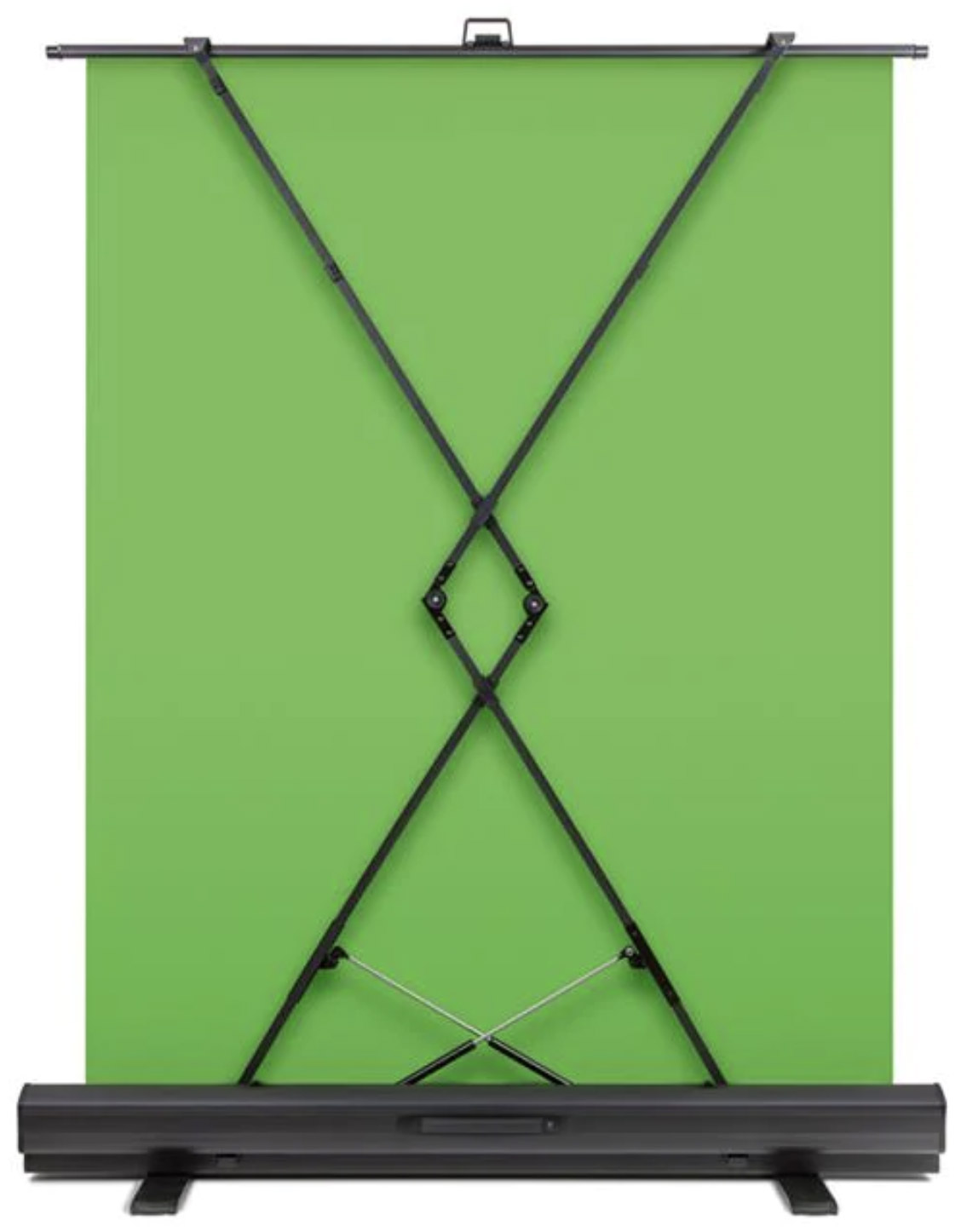 A portable green screen that’s very handy to use and large enough for my needs. www.elgato.com/us/sv/p/green-screen
Questions?
If you have any questions, just ask them here or on any social media.